
IPTV on Firestick
ARAB IPTV SUBSCRIPTION
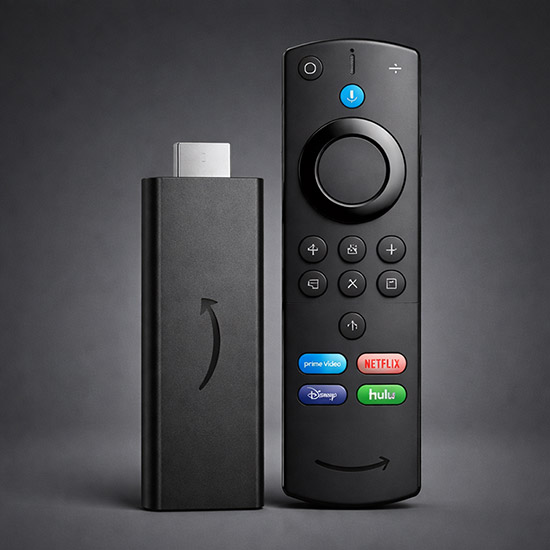
IPTV on Firestick – Complete Setup Guide
If you want to watch live TV, movies, and sports using IPTV on your Firestick, this guide will walk you through the complete installation and setup process step by step.
This method works on all Amazon Fire TV devices, including Firestick Lite, Firestick 4K, and Fire TV Cube.
Requirements
- Amazon Firestick device
- Stable internet connection
- IPTV subscription (Xtream Codes or M3U playlist)
Step 1: Install Downloader App
1- From the Firestick home screen, go to Search
2- Type Downloader
3- Download and install the app
Step 2: Enable Unknown Apps
1- Go to Settings
2- Select My Fire TV
3- Click Developer Options
4- Enable Install Unknown Apps
Step 3: Install IPTV Smarters
1- Open Downloader
2- Enter the following URL:
https://www.iptvsmarters.com/smarters.apk
3- Click Download & Install
Step 4: Login to IPTV
Open IPTV Smarters and choose:
Login with Xtream Codes API
- Username
- Password
- Server URL
OR
Load Your Playlist (M3U URL)