
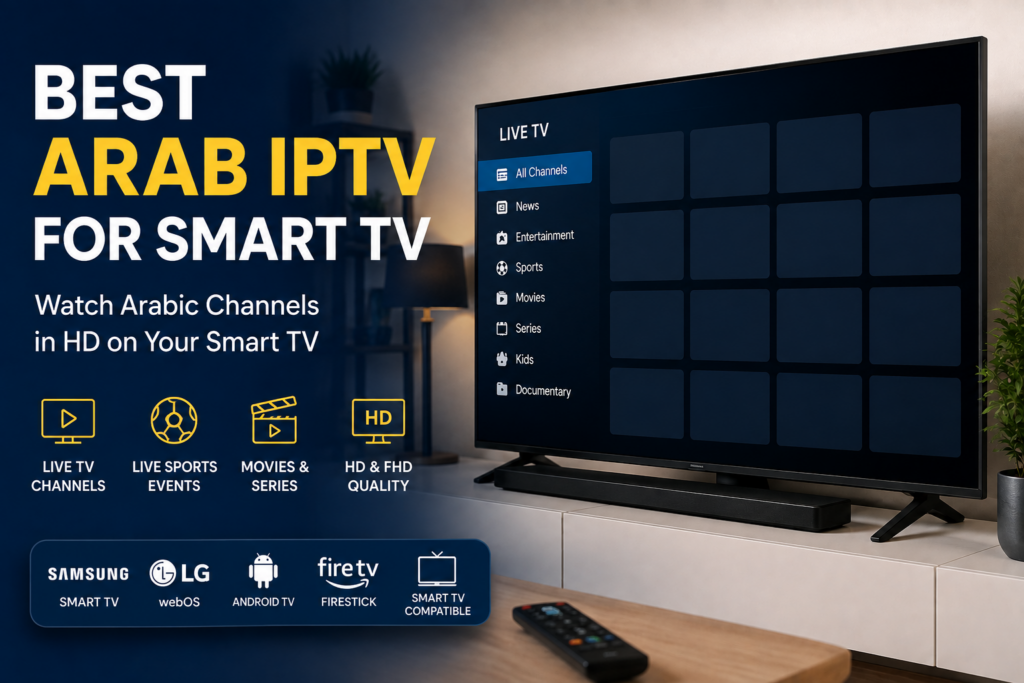
Watching Arabic television on a Smart TV has become easier than ever. Instead of relying on traditional satellite equipment, viewers can use IPTV to access Arabic entertainment, news, sports, movies, series, and family content directly through an internet connection.
If you are looking for the best Arab IPTV for Smart TV, choosing the right service is important. A good IPTV service should provide stable streaming, high-quality video, broad device compatibility, and access to the Arabic content you enjoy.
In this guide, we explain how Arabic IPTV works on Smart TVs, what to look for when choosing a service, which devices are supported, and how to get started.
What Is Arabic IPTV?
IPTV stands for Internet Protocol Television. Instead of receiving television channels through a traditional satellite dish or cable connection, IPTV delivers television content through the internet.
An Arabic IPTV service is designed for viewers who want convenient access to Arabic-language television and entertainment.
Depending on the service and package, this can include content from across the Arab world, including:
- Lebanon
- Egypt
- Saudi Arabia
- United Arab Emirates
- Qatar
- Kuwait
- Iraq
- Syria
- Jordan
- Morocco
- Algeria
- Tunisia
This makes IPTV particularly convenient for Arabic-speaking families living abroad who want to enjoy familiar entertainment from their Smart TV.
Why Use Arabic IPTV on a Smart TV?
Modern Smart TVs are excellent devices for IPTV because they already connect directly to the internet and support streaming applications.
You usually don’t need complicated equipment or a satellite installation. Once a compatible IPTV player is installed and configured, you can access your subscription directly from your television.
Easy to Use
After the initial setup, IPTV works much like other streaming services. Open your IPTV application, choose what you want to watch, and start streaming.
No Satellite Dish Required
One of the biggest advantages of IPTV is that it works over your internet connection.
This can be especially useful for people living in apartments or countries where installing a satellite dish is difficult or impractical.
Arabic Entertainment in One Place
A quality Arabic IPTV subscription can provide convenient access to different types of Arabic entertainment from one interface.
Depending on your subscription, categories may include Arabic entertainment, movies, series, news, family programming, children’s content, sports, and international programming.
HD and High-Quality Streaming
A reliable internet connection and IPTV provider can deliver excellent picture quality.
Many IPTV services support HD and Full HD content, while selected content and compatible devices may also support higher resolutions.
Best Arab IPTV for Samsung Smart TV
Samsung Smart TVs are among the most popular televisions worldwide and can be an excellent choice for watching IPTV.
Depending on your Samsung TV model and region, compatible IPTV player applications may be available through the Samsung app store.
The general process is simple:
- Connect your Samsung Smart TV to the internet.
- Open the Apps section on your television.
- Search for a compatible IPTV player.
- Install and open the application.
- Enter the subscription information supplied by your IPTV provider.
- Load your content and start watching.
The exact process can vary depending on the application and Samsung TV model.
Best Arab IPTV for LG Smart TV
LG Smart TVs can also support IPTV applications.
Many newer LG televisions use webOS, which provides access to compatible applications through the LG Content Store.
To get started:
- Connect your LG television to the internet.
- Open the LG Content Store.
- Find a compatible IPTV player.
- Install the application.
- Configure it using your IPTV subscription details.
- Wait for the available content to load.
After configuration, you can access your Arabic IPTV service directly from the TV.
Arabic IPTV for Android TV and Google TV
Android TV and Google TV devices offer excellent flexibility for IPTV.
This includes many Smart TVs as well as external streaming devices running Google’s television platforms.
Users can typically search the Google Play Store for compatible IPTV players and install them directly.
Android-based devices are popular with IPTV users because they offer a large selection of applications and a straightforward setup process.
What Should You Look for in the Best Arabic IPTV Service?
Not every IPTV service provides the same experience.
Before choosing an Arab IPTV subscription for Smart TV, consider several important factors.
1. Streaming Stability
A large content library means very little if streams constantly freeze or buffer.
Look for a provider that prioritizes server performance and stable streaming.
2. Arabic Content Selection
If Arabic television is your priority, choose a service built around Arabic viewers rather than a generic service where Arabic programming is only a small category.
Your ideal content selection will depend on your interests and country of origin.
3. Smart TV Compatibility
Make sure the service works with your device before subscribing.
A flexible IPTV service should support popular platforms such as:
- Samsung Smart TV
- LG Smart TV
- Android TV
- Google TV
- Amazon Fire TV and Firestick
- Smartphones and tablets
- Computers
Having multiple options also makes it easier to continue using your subscription if you change devices later.
4. Picture Quality
Look for services capable of providing good-quality streams where available.
HD and Full HD are particularly useful on larger televisions, where low-resolution video becomes much more noticeable.
Remember that actual streaming quality can depend on the source, your device, your network, and your internet connection.
5. Customer Support
Good technical support is particularly important for new IPTV users.
Even if the service itself works correctly, you may need help installing an application or configuring your Smart TV.
Choose a provider that offers clear setup instructions and accessible customer support.
6. Trial Availability
When available, testing a service before purchasing a longer subscription can help you determine whether it works well with your television and internet connection.
A trial lets you evaluate factors such as navigation, picture quality, loading speed, and overall compatibility.
How Fast Should Your Internet Be for Arabic IPTV?
Your internet connection has a major impact on IPTV performance.
As a general guideline, SD streaming requires relatively little bandwidth, while HD, Full HD, and especially 4K streaming require progressively faster and more stable connections.
For most households, having at least 15–25 Mbps of reliable available bandwidth for an HD or Full HD IPTV stream provides comfortable headroom.
For 4K streaming, a faster connection is recommended.
Speed isn’t the only consideration, however. Connection stability, Wi-Fi interference, network congestion, and the quality of the streaming source can all affect playback.
If possible, connecting your Smart TV to your router using an Ethernet cable can provide a more consistent connection than Wi-Fi.
Why Does IPTV Buffer on Smart TVs?
Buffering doesn’t always mean there is a problem with your IPTV provider.
Common causes include:
- Slow internet connection
- Weak Wi-Fi signal
- Congested home network
- Outdated IPTV application
- Limited Smart TV memory
- Problems with the content source
- Temporary network congestion
If IPTV is buffering, first test your internet connection and restart your television and router.
If possible, try Ethernet instead of Wi-Fi. You can also close unused applications and make sure your IPTV player and Smart TV software are up to date.
Arabic IPTV for Families Living Abroad
One of the reasons Arabic IPTV is popular is its convenience for families living outside the Arab world.
Someone living in the United States, Canada, Australia, the United Kingdom, France, Germany, or elsewhere in Europe may want easier access to Arabic-language entertainment on their television.
Instead of configuring a satellite system, IPTV can provide a straightforward internet-based solution.
This makes it useful for Arabic-speaking households that want to keep Arabic entertainment easily accessible at home.
ArabicTVPro: Arabic IPTV for Smart TVs
ArabicTVPro provides an IPTV service designed for viewers looking for Arabic and international entertainment across popular devices.
The service supports major Smart TV and streaming platforms, making it possible to watch through compatible devices such as Samsung Smart TVs, LG Smart TVs, Android TV devices, Firestick, smartphones, tablets, and computers.
If you are new to IPTV, our setup guides can help you configure your device and start watching.
Before choosing a subscription, check the available packages and device compatibility to find the option that best matches your needs.
How to Start Watching Arabic IPTV on Your Smart TV
Getting started normally takes only a few steps:
- Choose an Arabic IPTV subscription that supports your device.
- Receive your subscription credentials.
- Install a compatible IPTV player on your Smart TV.
- Add the supplied subscription information.
- Load the available content.
- Start watching.
If you aren’t sure which application to use, check the setup guide for your television or contact support before installation.
Frequently Asked Questions
What is the best Arab IPTV for Smart TV?
The best Arab IPTV service depends on your device, location, internet connection, preferred content, and required features. Look for a service offering strong Arabic content, reliable streaming, Smart TV compatibility, good picture quality, clear setup instructions, and responsive support.
Can I watch Arabic IPTV on Samsung Smart TV?
Yes. Many Samsung Smart TVs support IPTV through compatible applications available for the television. Application availability depends on the Samsung model and region.
Can I use Arabic IPTV on an LG Smart TV?
Yes. Compatible IPTV player applications are available for many LG Smart TVs. Check your television’s LG Content Store for currently available applications.
Do I need a satellite dish for IPTV?
No. IPTV delivers content through an internet connection, so a traditional satellite dish is not required.
Can I watch Arabic IPTV outside the Middle East?
Technically, IPTV can work anywhere with a suitable internet connection, subject to the provider’s availability and applicable content rights or geographic restrictions. It is commonly used by Arabic-speaking viewers living abroad.
Can IPTV work over Wi-Fi?
Yes. IPTV can work over Wi-Fi, but the connection should be strong and stable. Ethernet is often preferable when the television is far from the router or the Wi-Fi network is congested.
Does IPTV work on Firestick?
Yes. Amazon Fire TV devices are commonly used with compatible IPTV applications and can be a convenient option when a Smart TV doesn’t support the preferred IPTV player directly.
Final Thoughts
Finding the best Arab IPTV for Smart TV is about more than simply choosing the service with the largest content list.
Streaming stability, Arabic content selection, picture quality, device compatibility, internet performance, setup assistance, and customer support all contribute to a good viewing experience.
Whether you use a Samsung Smart TV, LG Smart TV, Android TV, Google TV, or Firestick, IPTV can provide a convenient way to access Arabic entertainment through your internet connection.
If you’re ready to get started, explore ArabicTVPro IPTV packages, check the setup guide for your device, or request a trial where available to test compatibility before choosing a longer subscription.
Pingback: Best Arabic IPTV Subscription in 2026 | Arabic TV Channels